Productivity

Bookmarks vs screenshots vs BuzVault

There are many ways to keep a link for later. Most of us use all of them at once, which is exactly why we cannot find anything. Here is an honest look at the common options — including where BuzVault is not the right tool.

Browser bookmarks

  • Good: built in, free, great for websites you open every day.
  • Not so good: they only hold pages you opened in that browser. Reels and videos you see inside apps never get there, and bookmark folders quickly turn into a maze.

Screenshots

  • Good: instant, and they capture exactly what you saw.
  • Not so good: a screenshot has no link, so you cannot open the original. They mix with personal photos and are almost impossible to search.

Sending links to yourself on WhatsApp

  • Good: fast, and you already have the app open.
  • Not so good: links get buried under messages, nothing is sorted, and searching means remembering the exact words.

Each app’s own Save button

  • Good: one tap, right where you are.
  • Not so good: every app keeps its own list. Your recipes are split across three apps and you have to remember which one.

BuzVault

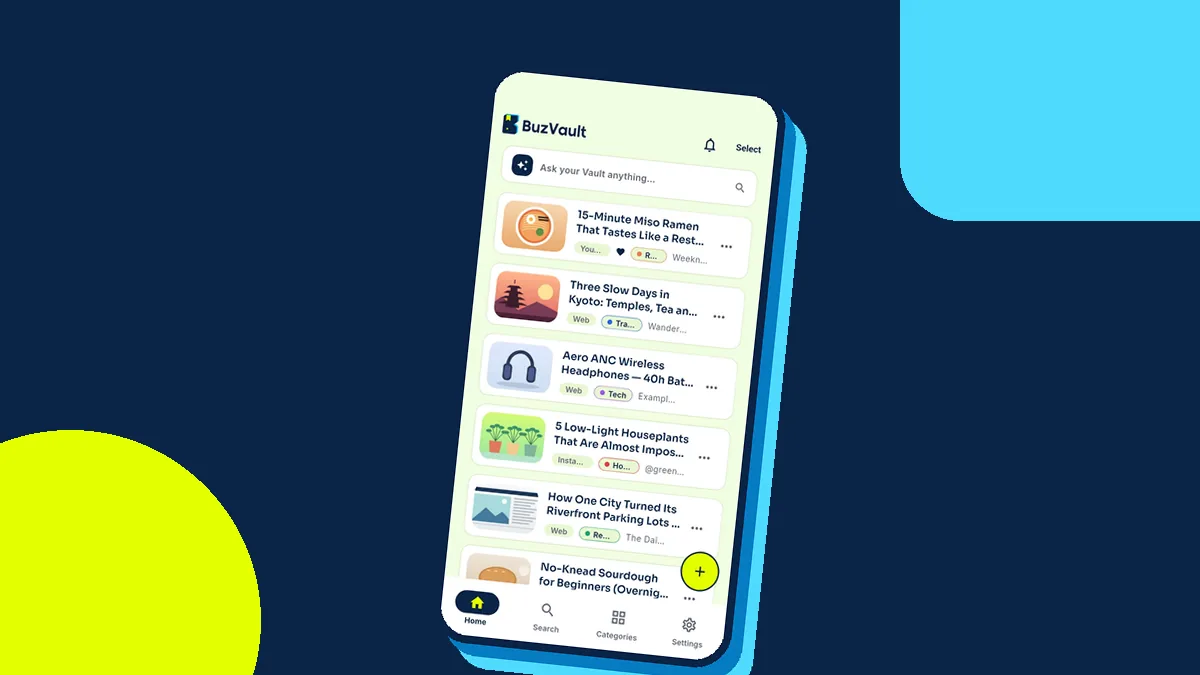
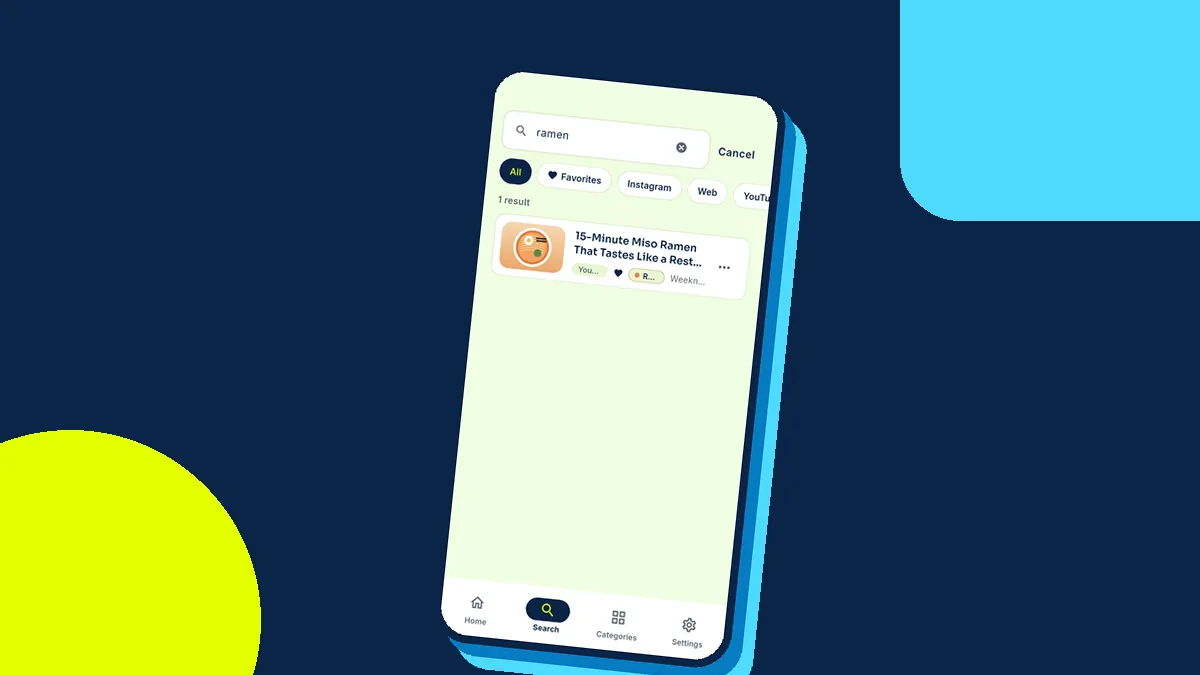
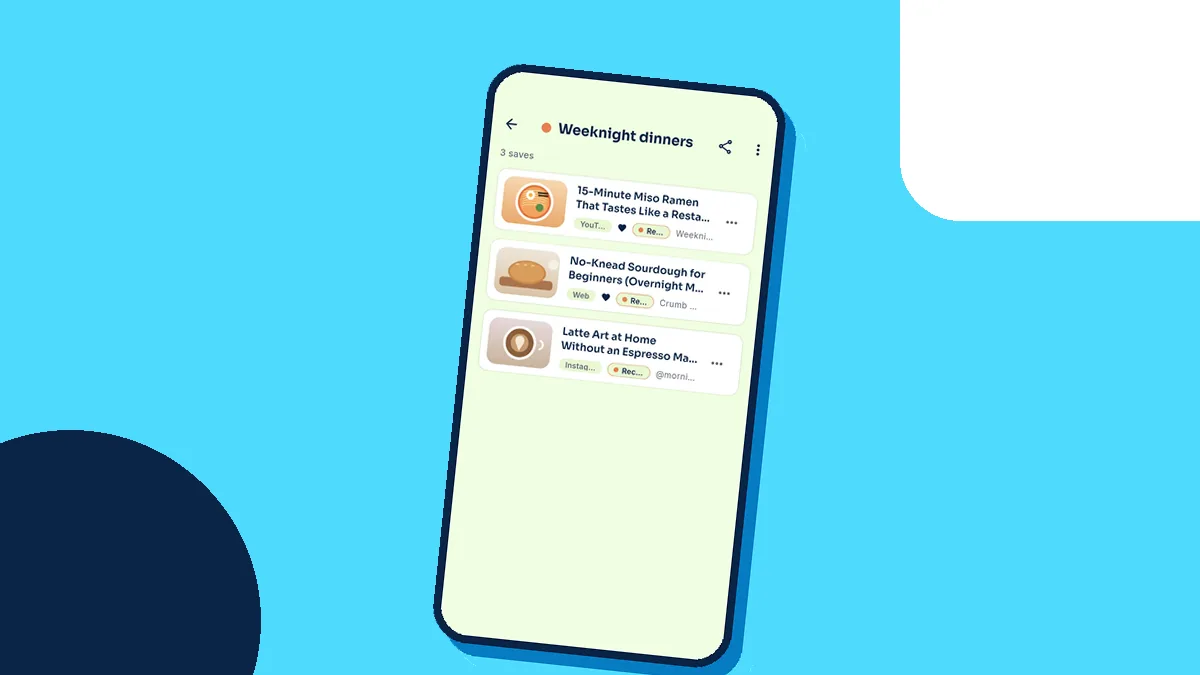
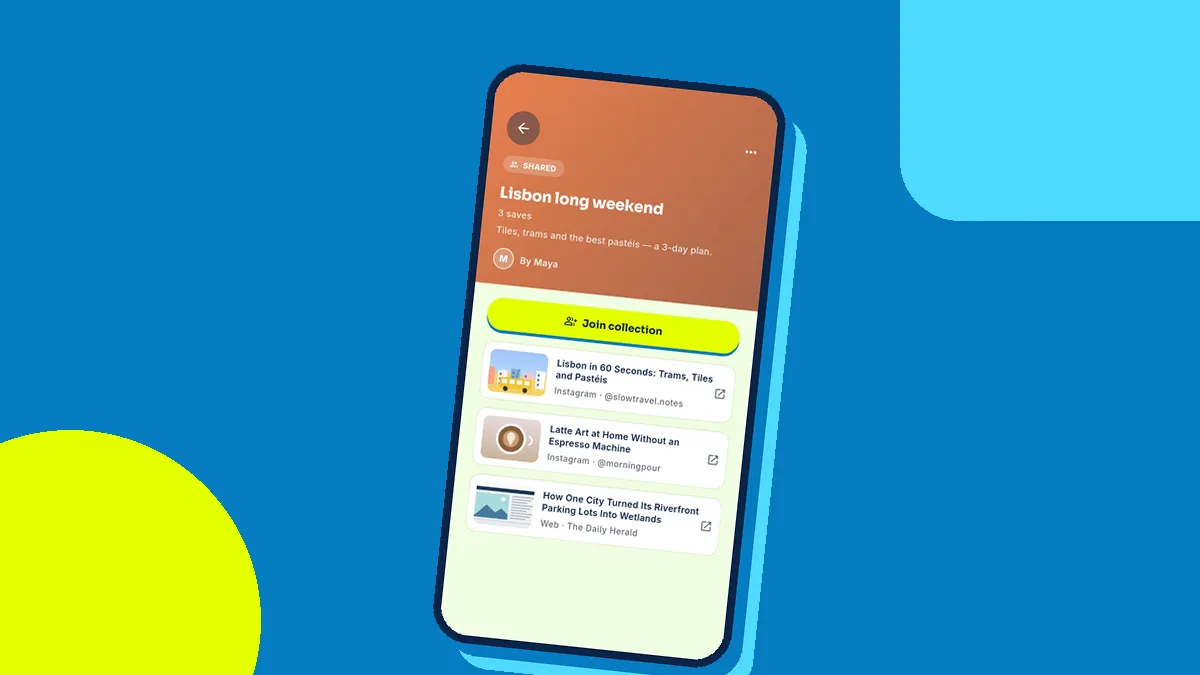
  • Good: one place for links from every app, sorted by AI, searchable by any word you remember — even offline. Collections, reminders and sharing are built in.
  • Not so good: it saves links, not copies of the content. If a creator deletes a post, the link will stop working. It is Android-only today, with iPhone on the way.

What we recommend

Keep bookmarks for the handful of sites you visit daily. For everything you find while scrolling — reels, videos, recipes, products, articles — use one vault, so you always know where to look. That is what we built BuzVault for.

Save it once. Find it forever.Free on Android. iPhone version is on the way.
Get BuzVault on Google Play