Help center

How to use BuzVault

Save links from Instagram, YouTube and Chrome, let AI sort them, find anything in seconds, share collections and back up your vault — step by step.

Step 1 of 11

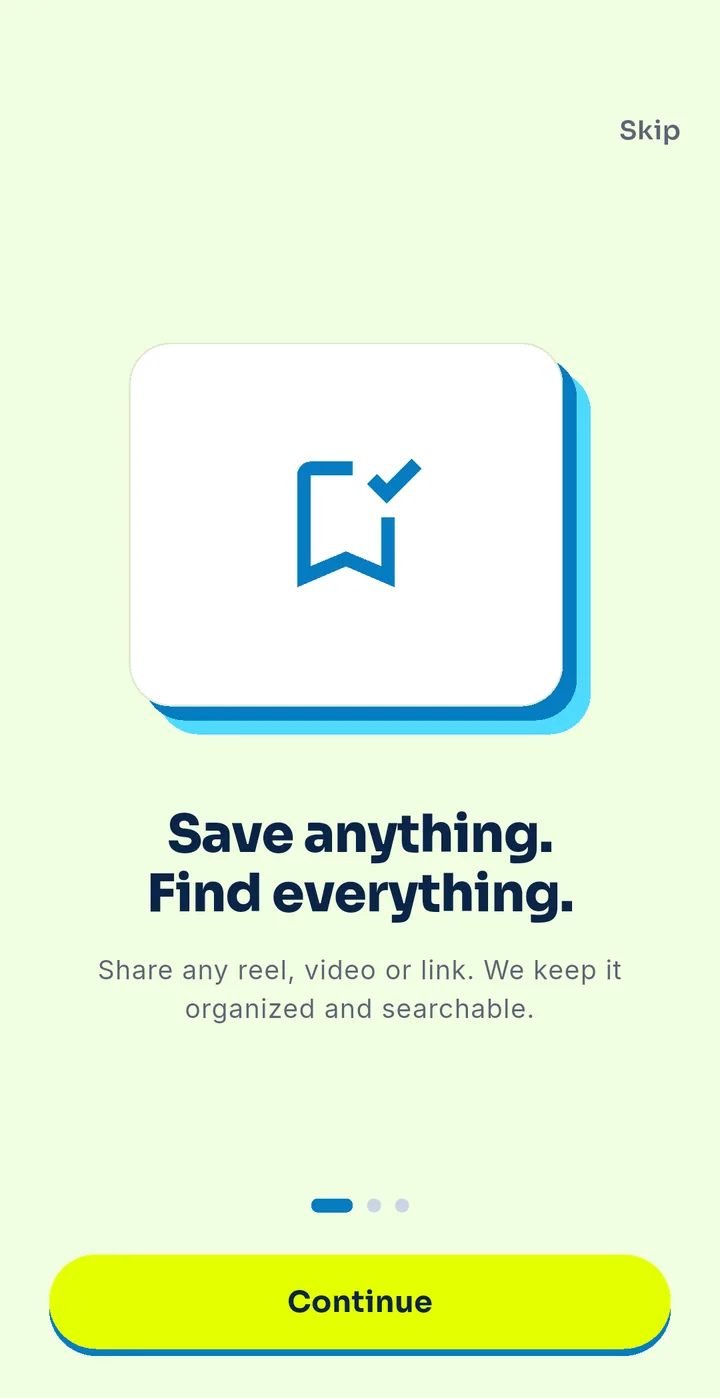
Install BuzVault

  1. Open Google Play and search “BuzVault”.
  2. Tap Install, then open the app.
  3. Start right away — no account needed. Sign in later to back up.
Step 2 of 11

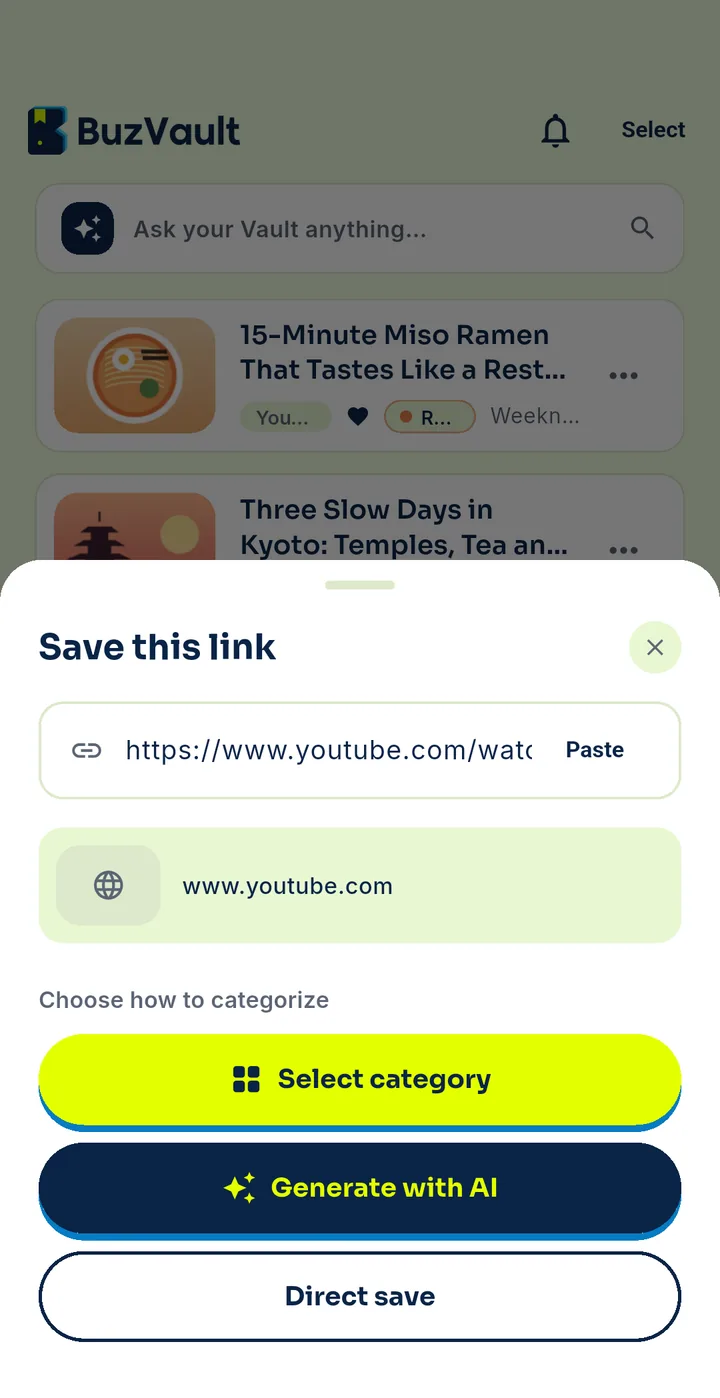
Save from Instagram / YouTube / any app

  1. Open the reel, video or page you want to keep.
  2. Tap Share (or “…” → Share).
  3. Choose BuzVault in the share list.
  4. Done — you will see “Saved”.
TipPin BuzVault to the top of your share list.
Step 3 of 11

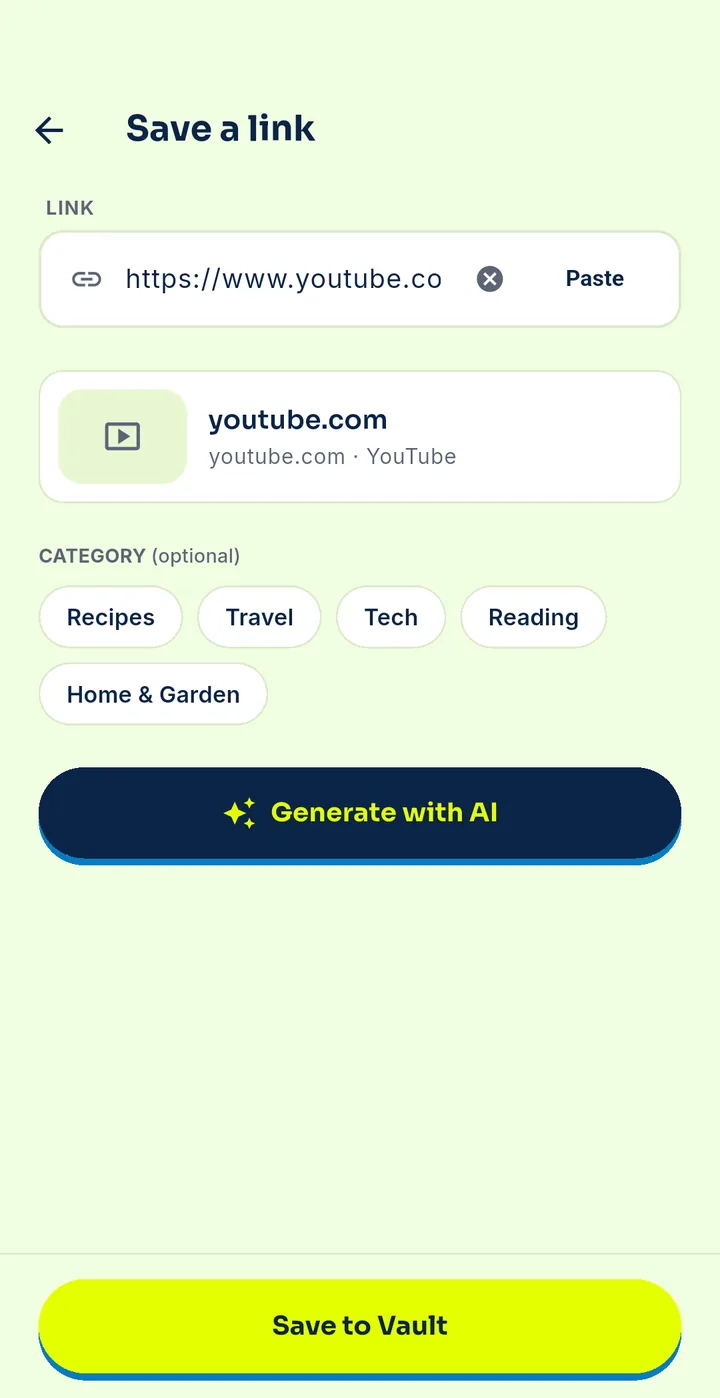
Save a link by pasting

  1. Copy the link.
  2. Open BuzVault and tap + Save a link.
  3. Paste and tap Save to Vault.
Step 4 of 11

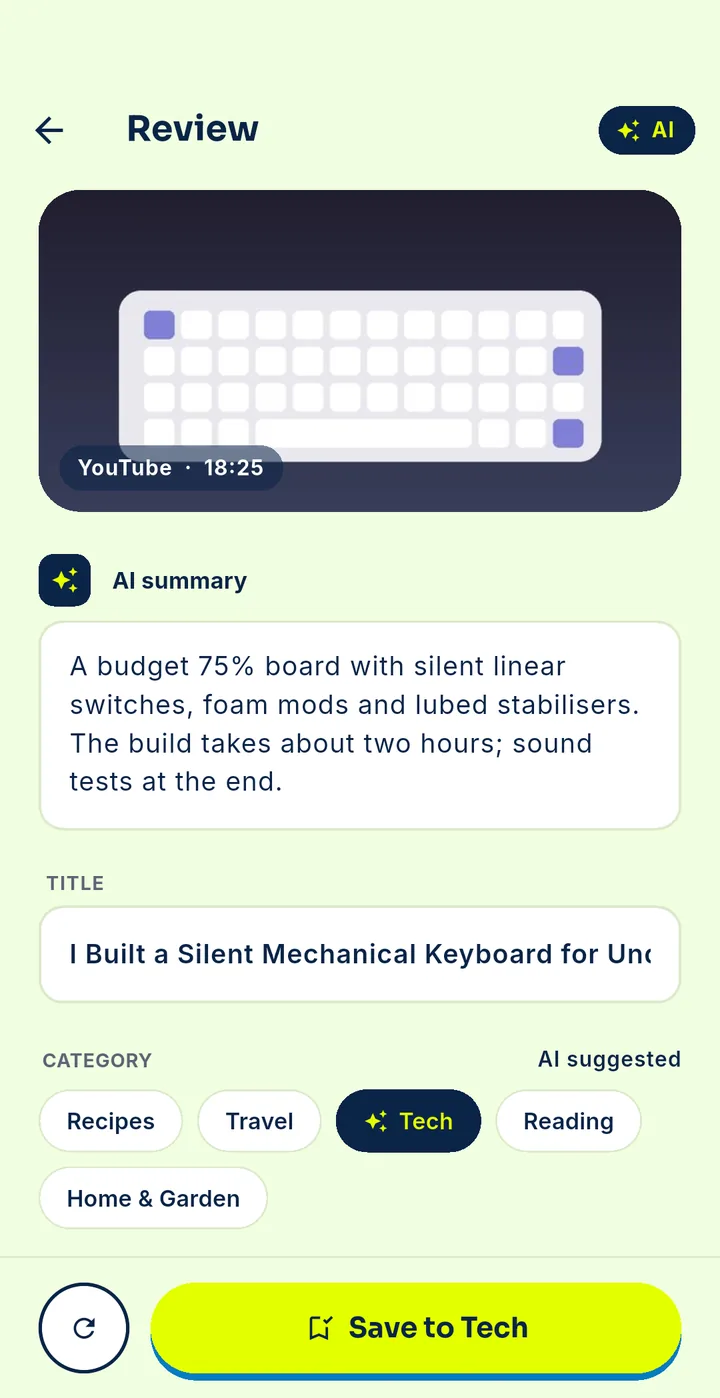
Let AI sort it — or choose yourself

  1. BuzVault picks a category automatically.
  2. To change it, open the save → Category → pick or search a category.
  3. Create your own categories any time.
Step 6 of 11

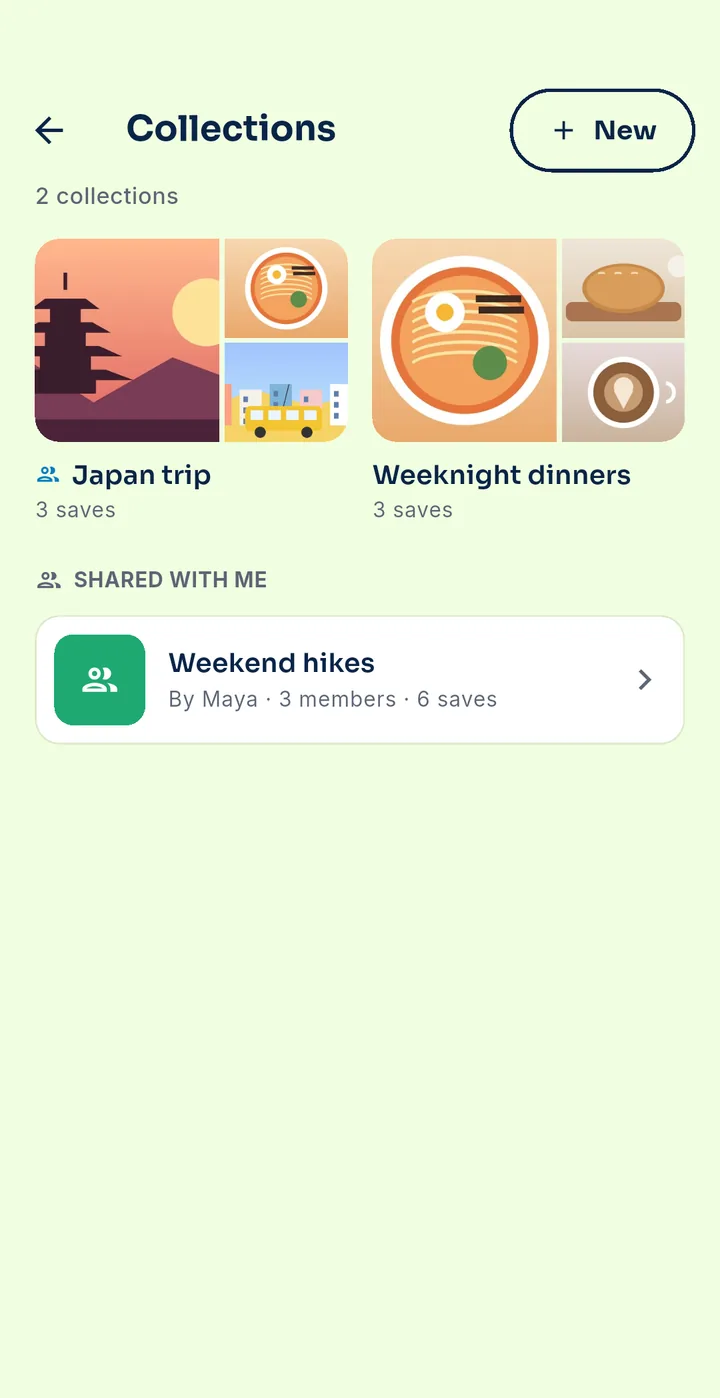
Create and share a collection

  1. Go to Collections → New collection.
  2. Add saves to it.
  3. Tap Share to get a link. Anyone with the link can view it; you can stop sharing any time.
Step 7 of 11Premium

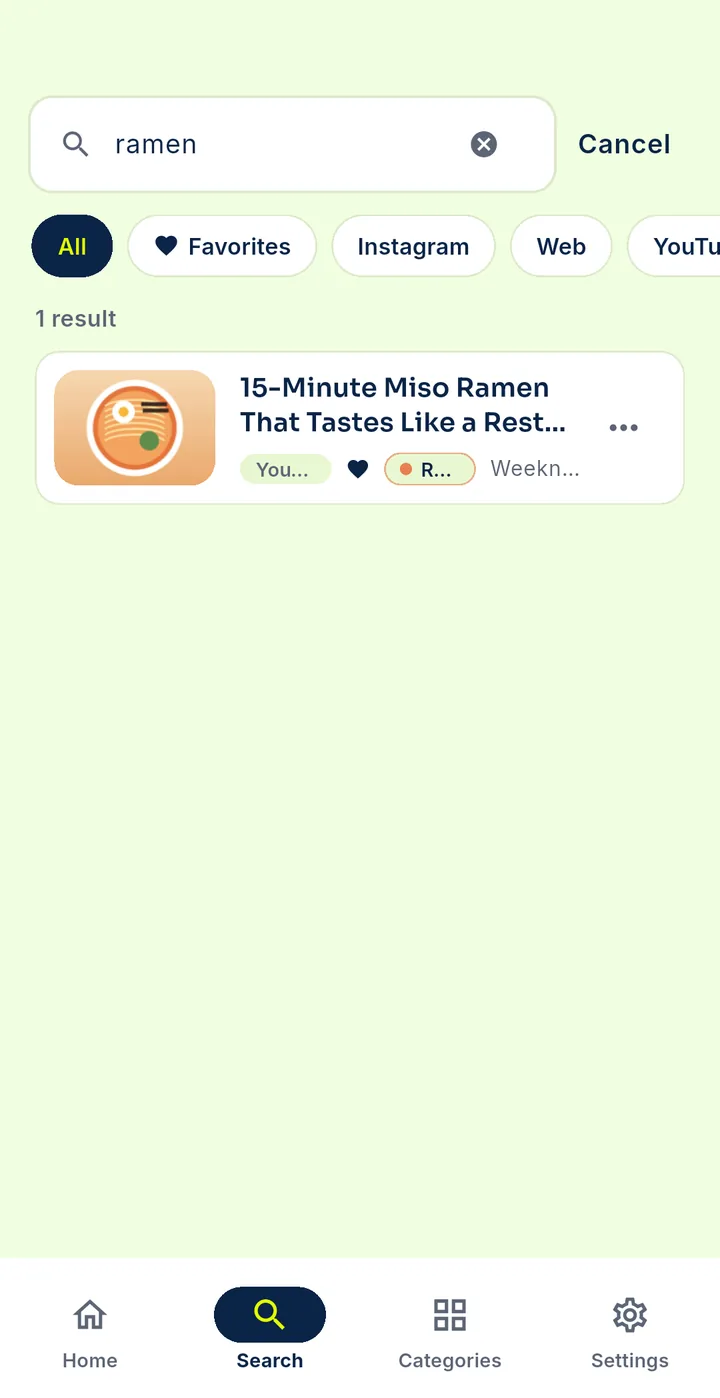
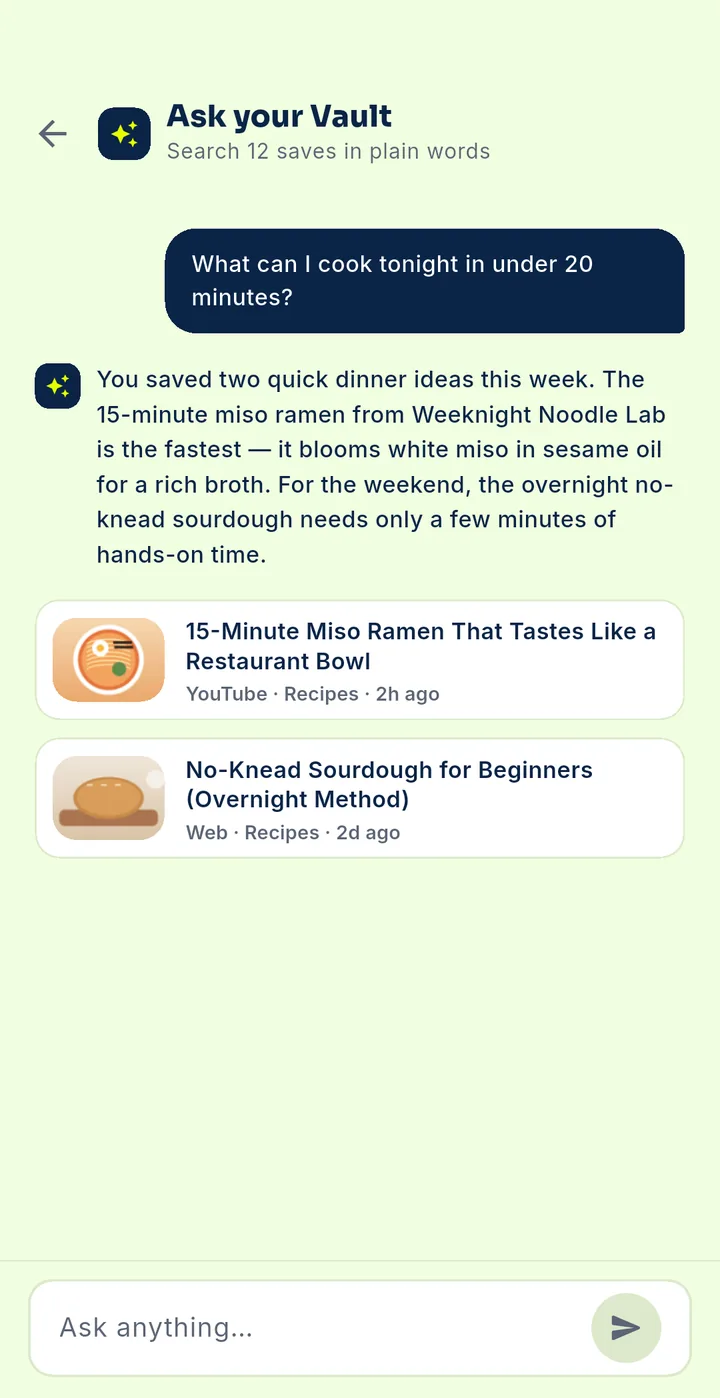
Ask your Vault

  1. Tap the Ask bar on Home.
  2. Ask in plain words, e.g. “budget hotels in Goa I saved”.
  3. BuzVault shows the matching saves.
Step 8 of 11

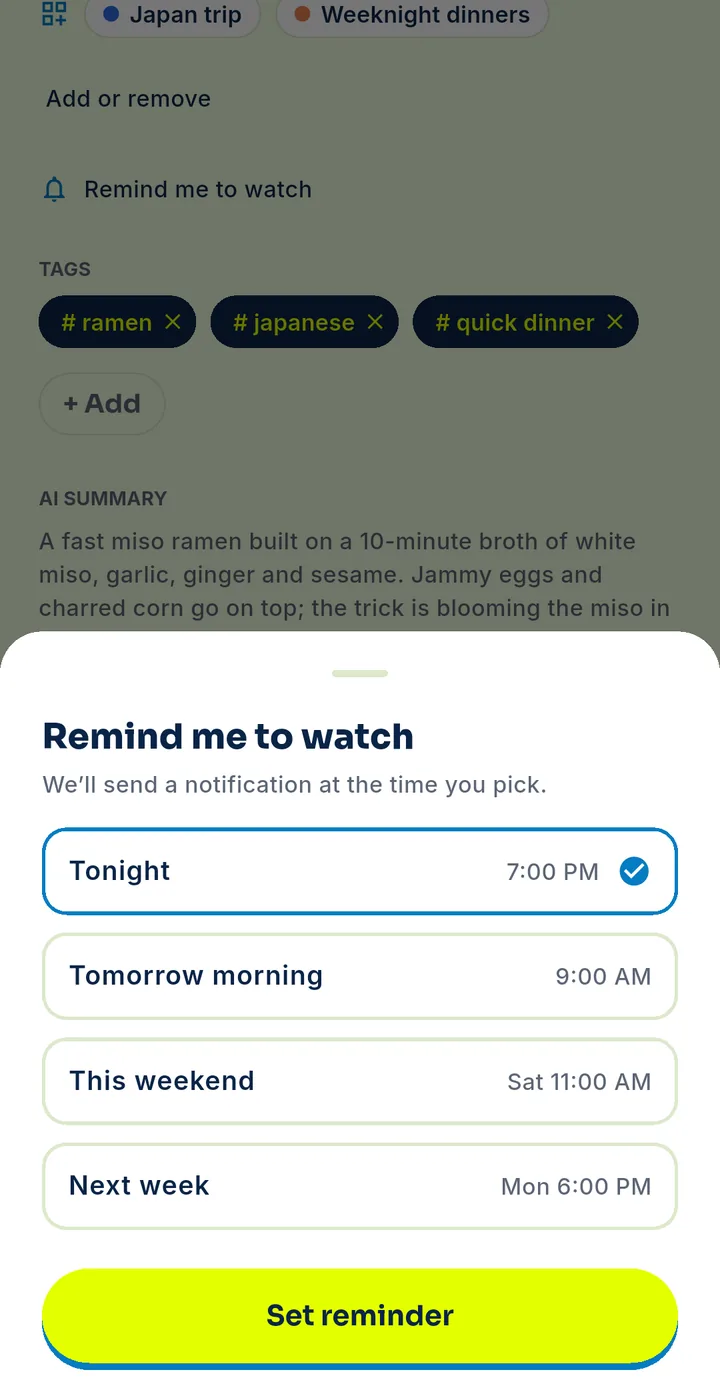
Set a reminder

  1. Open a save → Remind me.
  2. Pick when: tonight, tomorrow morning, this weekend or next week.
  3. You get a notification so you actually use it.
Step 9 of 11

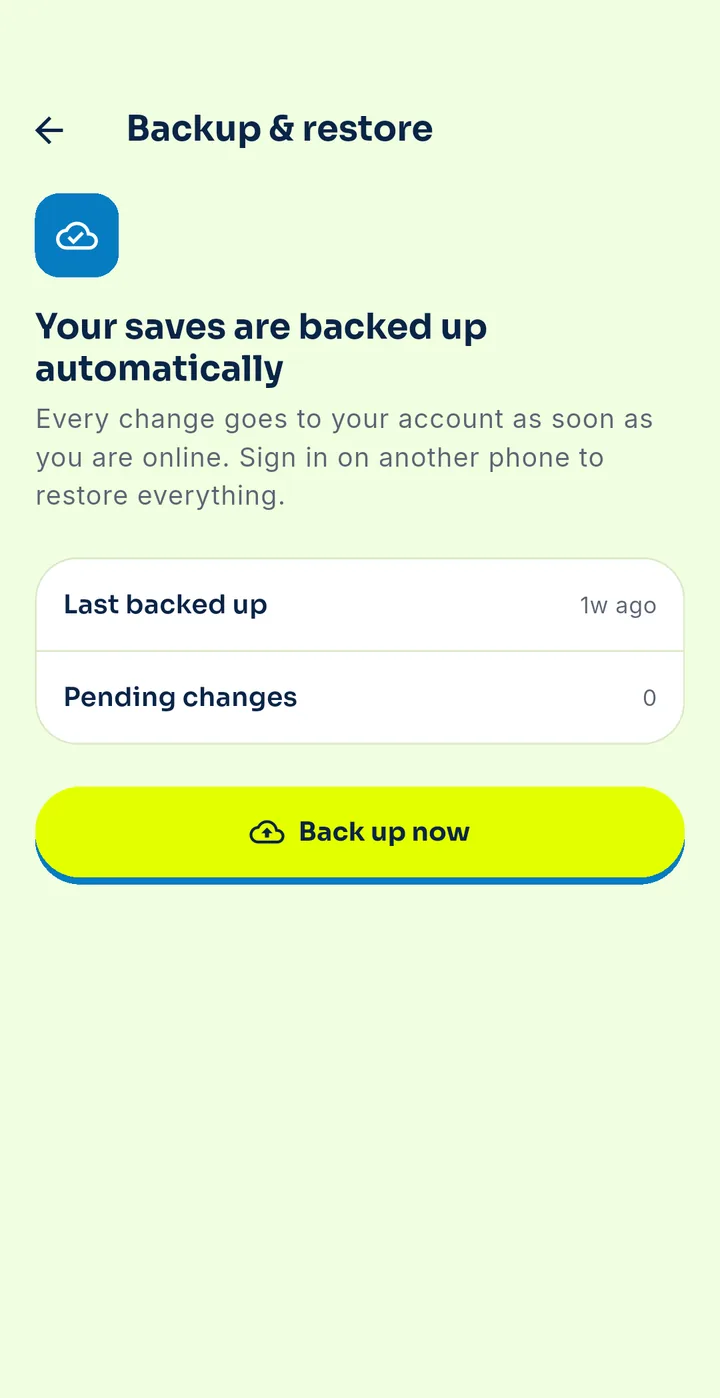
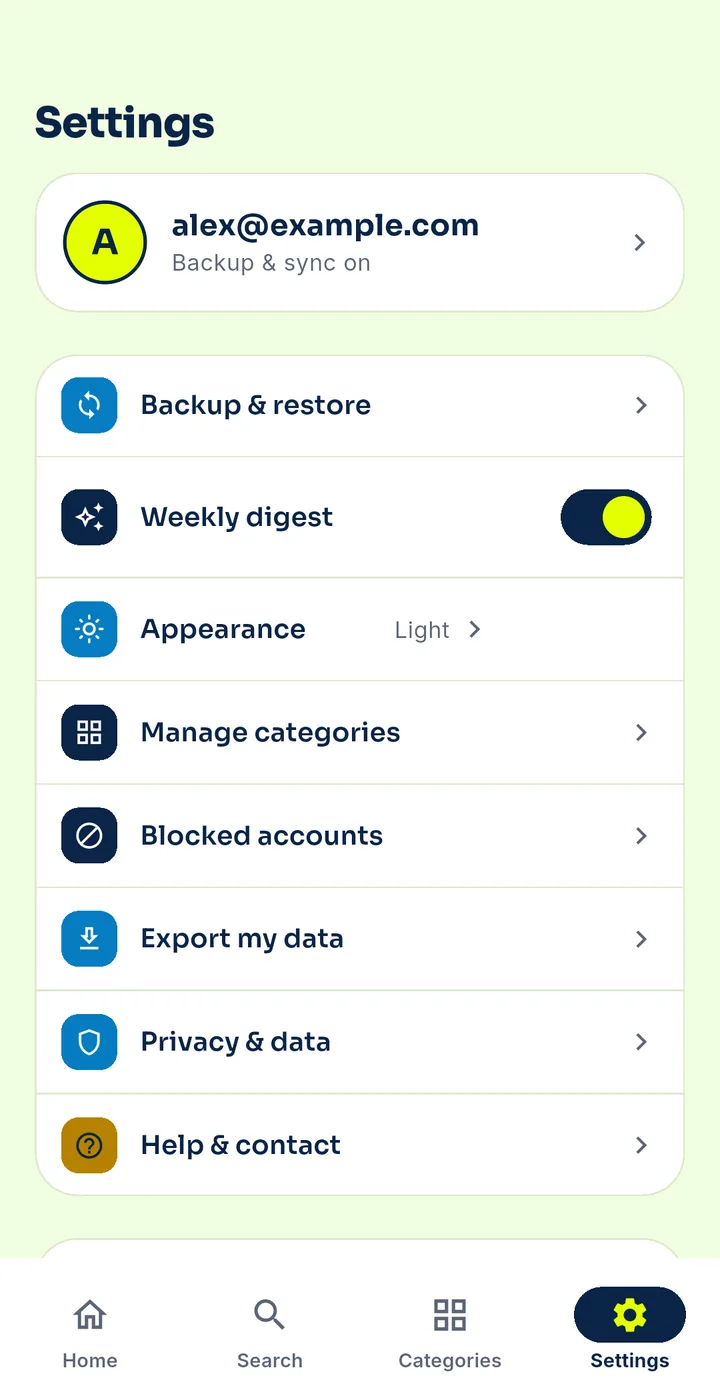
Back up your vault

  1. Settings → Sign in with Google or email.
  2. Your saves are backed up automatically.
  3. Settings → Backup & restore shows the last backup and a “Back up now” button.
Step 10 of 11

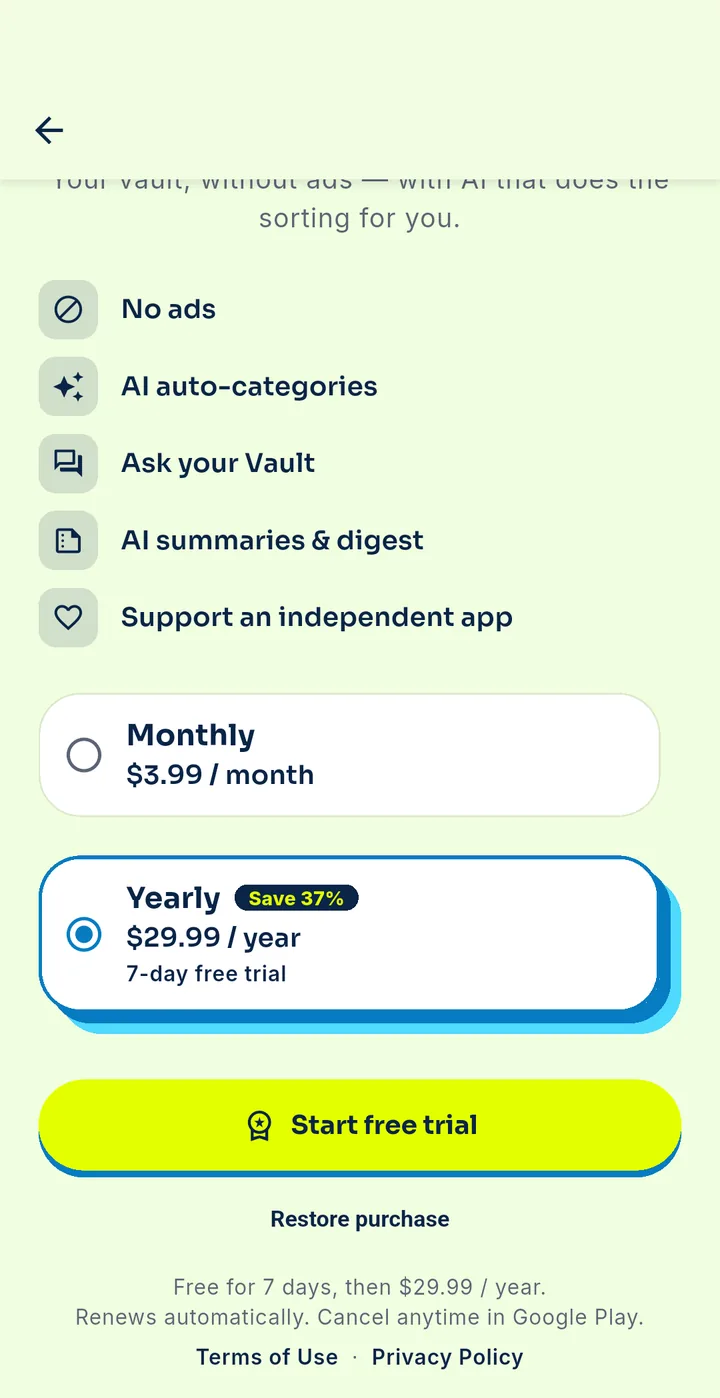
Go Premium

  1. Settings → Upgrade to Premium.
  2. Choose monthly or yearly and start your free trial.
  3. Already paid on another phone? Tap Restore purchase.
Step 11 of 11

Export or delete your data

  1. Settings → Export my data to download your saves.
  2. Settings → Privacy & data → Delete account to remove your account and data.
  3. You can also request deletion at buzvault.com/delete-account.

Still stuck?

Check the FAQs or write to help@buzvault.com — a real person reads every email.

See FAQs →