Get BuzVault on Google Play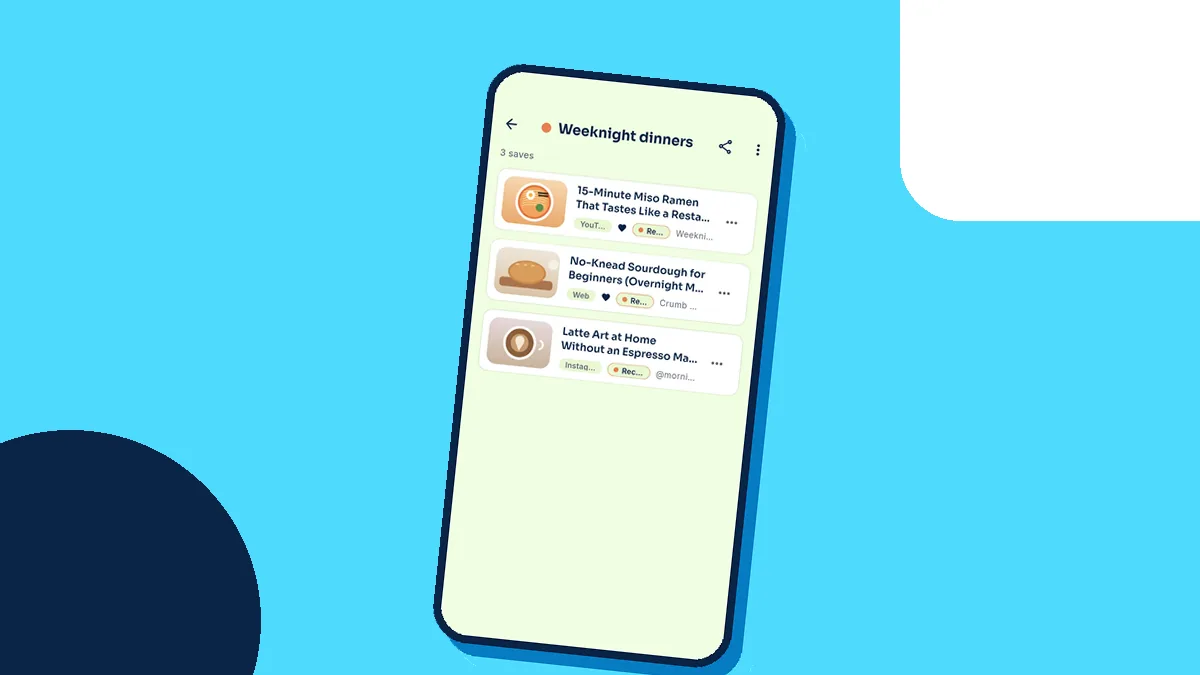
How to build a recipe collection you will actually cook from
From reels to a weekly menu in one place.
2 min read
 BuzVault Team · 2 min read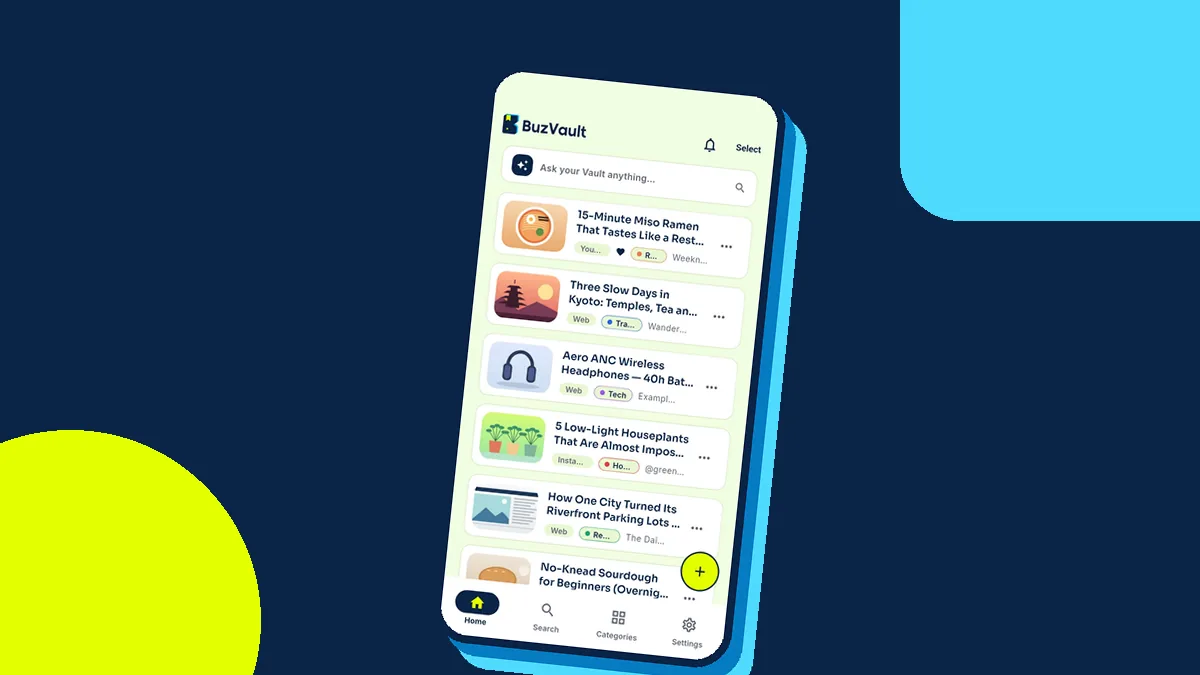
You see a great workout reel. You tap Save. Two weeks later you want it — and it is buried under 600 other saves in a folder you never open. Sound familiar? You are not alone. Most of us save far more than we ever use.
The problem is not saving. It is finding. Apps give us a save button but no system. Reels go into one app, recipes into another, articles into browser bookmarks, and products into screenshots. When the moment comes, we search five places and give up.
In any app, tap Share → BuzVault. BuzVault reads the title, suggests a category such as Fitness or Recipes, and makes the save searchable straight away — search even works offline. Next time, type “spinach” and the reel is there.
If you change your mind about a category, open the save and pick another one. Your own notes and tags are searchable too, so you can add a word you know you will remember later.
Move your last 20 saves into BuzVault, then spend 10 minutes on Sunday opening one category and doing one thing from it: cook the recipe, book the place, try the workout. Saves are only useful when you use them.
From reels to a weekly menu in one place.
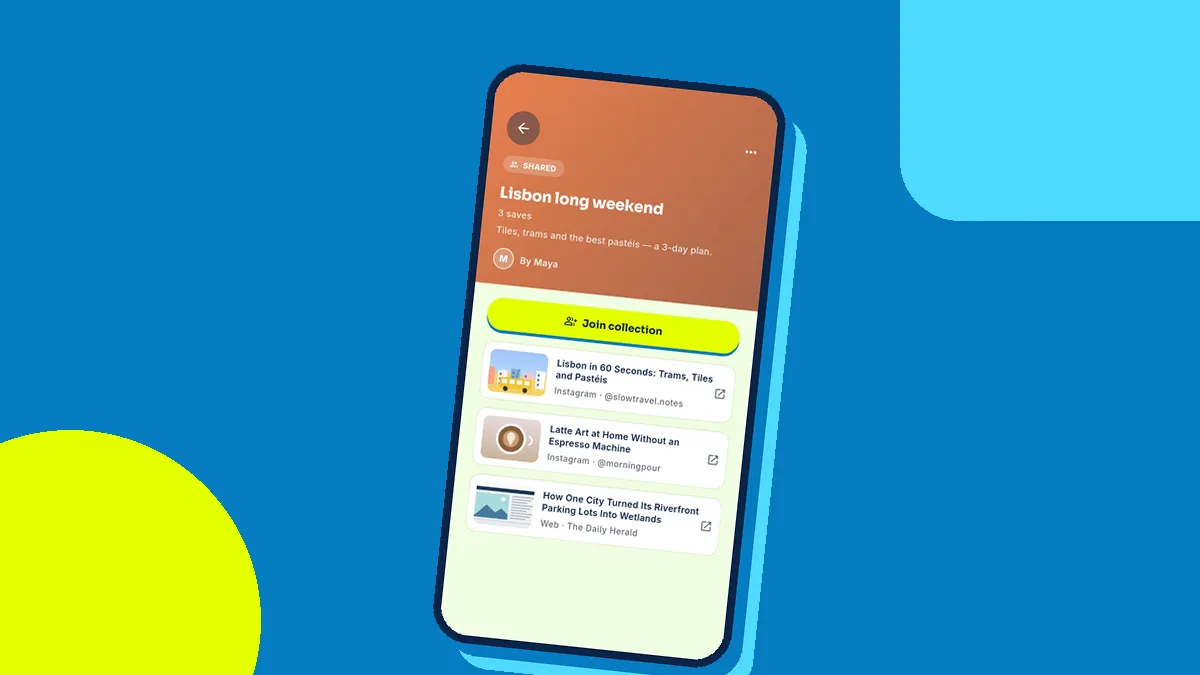
2 min readCollect places with friends without 200 WhatsApp messages.
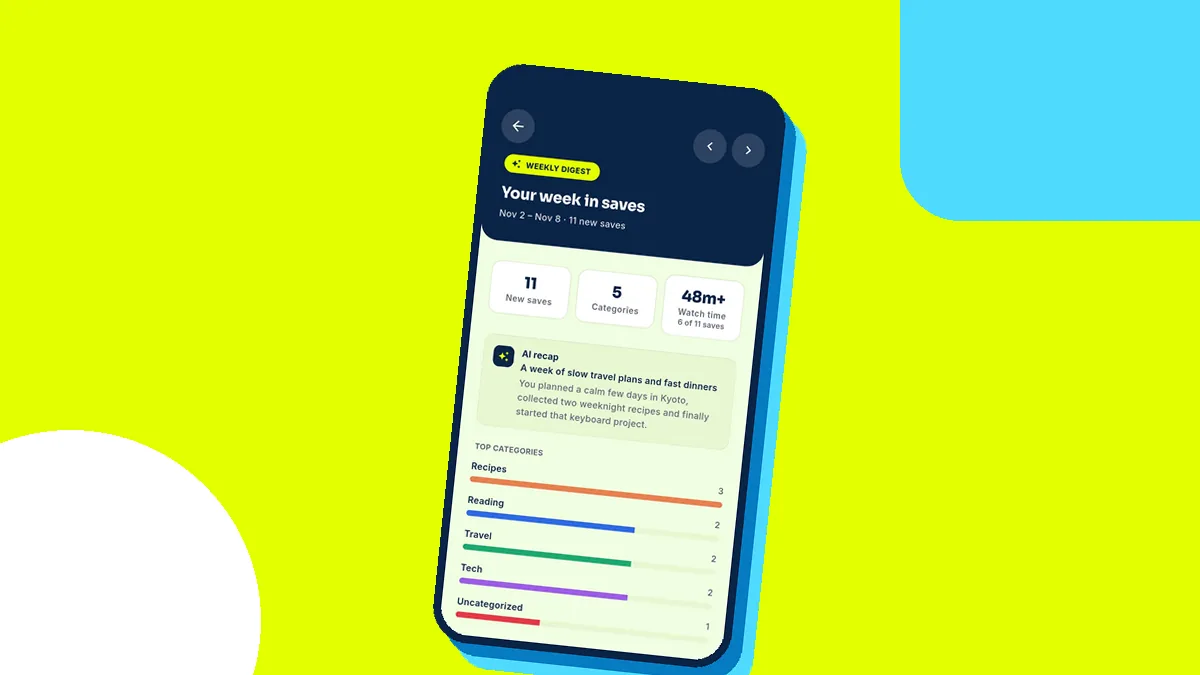
2 min readA tiny weekly habit that turns saves into action.
2 min read